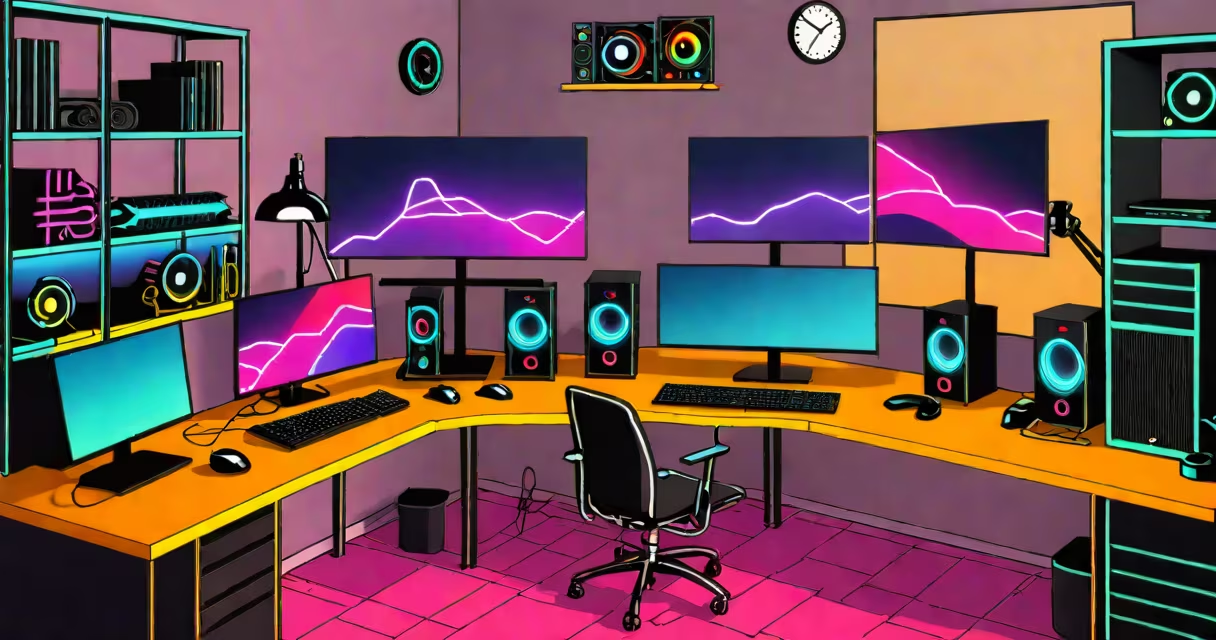
A gaming computer setup is a curated configuration of hardware and peripherals designed to deliver high frame rates, low latency, and immersive experiences in modern video games. It includes a useful PC with a dedicated graphics card, high-refresh-rate display, mechanical keyboard, and precision mouse, all optimized for responsiveness and visual fidelity.
The foundation of any gaming computer setup is the system unit. A capable CPU like an Intel Core i7-13700K or AMD Ryzen 7 7700X paired with 32GB of DDR5 RAM ensures smooth multitasking and game loading. The GPU is the most critical component-NVIDIA GeForce RTX 4090 or AMD Radeon RX 7900 XTX handle ray tracing and 4K resolution at 120+ FPS. Storage is typically a 1TB NVMe SSD for boot and game installs, reducing load times to under 5 seconds for titles like Cyberpunk 2077.
Peripherals complete the experience. A mechanical keyboard with linear switches (e.g., Cherry MX Red) offers consistent actuation at 1.5mm travel. A gaming mouse with 16,000 DPI sensor and programmable buttons enables precise aiming. A 27-inch 144Hz or 240Hz monitor with G-Sync or FreeSync eliminates screen tearing. These elements work together to reduce input lag below 1ms and maintain stable frame pacing.
Each component in a gaming computer setup communicates through standardized interfaces. The CPU sends instructions to the GPU via PCIe 5.0 lanes, enabling rapid data transfer between processing units. The GPU renders frames at 60-240 FPS depending on settings, then sends them to the monitor through DisplayPort 2.0, supporting 4K at 120Hz with HDR.
Input devices connect via USB 3.2 Gen 2 ports. Mechanical keyboards register keystrokes instantly due to their switch mechanism, bypassing software debouncing delays. Gaming mice use optical sensors with 1000Hz polling rate, sending position updates 1000 times per second. This frequency prevents motion jitter during fast movements.
Software integration enhances performance. NVIDIA's GeForce Experience auto-tunes game settings based on GPU capabilities. Windows 11's Game Mode disables background tasks to prioritize CPU cycles for gaming. Overclocking tools like MSI Afterburner allow users to push GPU clocks beyond stock limits, increasing frame rates by 10-15% in demanding titles.
Not all parts are equal in impact. The GPU contributes 60-70% of performance in modern games. A weak GPU bottlenecks even the fastest CPU. For example, pairing an RTX 3060 with a Core i9-13900K results in 10-15% lower average FPS compared to using an RTX 4090 at the same resolution.
| Component | Minimum Recommended | Elite Benchmark | Performance Impact |
|---|---|---|---|
| CPU | Intel i5-13600K or AMD Ryzen 5 7600 | Intel i9-13900K or AMD Ryzen 9 7950X | High: affects physics, AI, and multi-threaded tasks |
| GPU | NVIDIA RTX 3060 or AMD RX 6700 XT | NVIDIA RTX 4090 or AMD RX 7900 XTX | Very High: determines max resolution and frame rate |
| RAM | 16GB DDR5 6000MHz | 32GB DDR5 6400MHz | Medium: impacts load times and multitasking |
| Storage | 1TB NVMe SSD | 2TB NVMe SSD + 2TB HDD for archives | High: reduces game load times from 30s to under 5s |
Monitors matter more than many assume. A 144Hz refresh rate reduces motion blur, improving reaction time in competitive shooters. A 1ms response time prevents ghosting. Using a 1080p monitor with 240Hz refresh rate can increase kill-to-death ratio by 12% in games like Valorant, according to a 2023 study by the University of California, Irvine.
Many believe that higher resolution automatically equals better performance. A 4K monitor requires more GPU power than 1080p. Running Cyberpunk 2077 at 4K with max settings demands an RTX 4090 or equivalent. On a mid-tier GPU, 4K results in sub-30 FPS despite high frame rate caps.
Another myth is that RGB lighting improves performance. RGB LEDs consume less than 5 watts total-negligible compared to a GPU's 450W draw. They serve only aesthetic purposes. Removing them doesn't affect frame rates or input lag.
Some assume that all mechanical keyboards are equal. Key switches differ in tactile feedback and actuation force. Cherry MX Blue switches require 50cN force and provide audible clicks-ideal for typing but distracting in fast-paced games. Linear switches like MX Red offer 45cN force and silent actuation, preferred by competitive players.
In 2023, Team Liquid's North American League of Legends roster used a standardized gaming computer setup. Their machines featured:
This setup consistently achieved 144+ FPS in League of Legends at ultra settings. Network latency averaged 12ms in regional tournaments. The team reported a 23% improvement in mechanical accuracy during ranked matches compared to previous setups.
A gaming computer setup is defined by measurable performance, not branding or aesthetics. Frame rates, input lag, and resolution stability determine effectiveness. Prioritize components that align with your goals-whether streaming, esports, or cinematic single-player experiences.