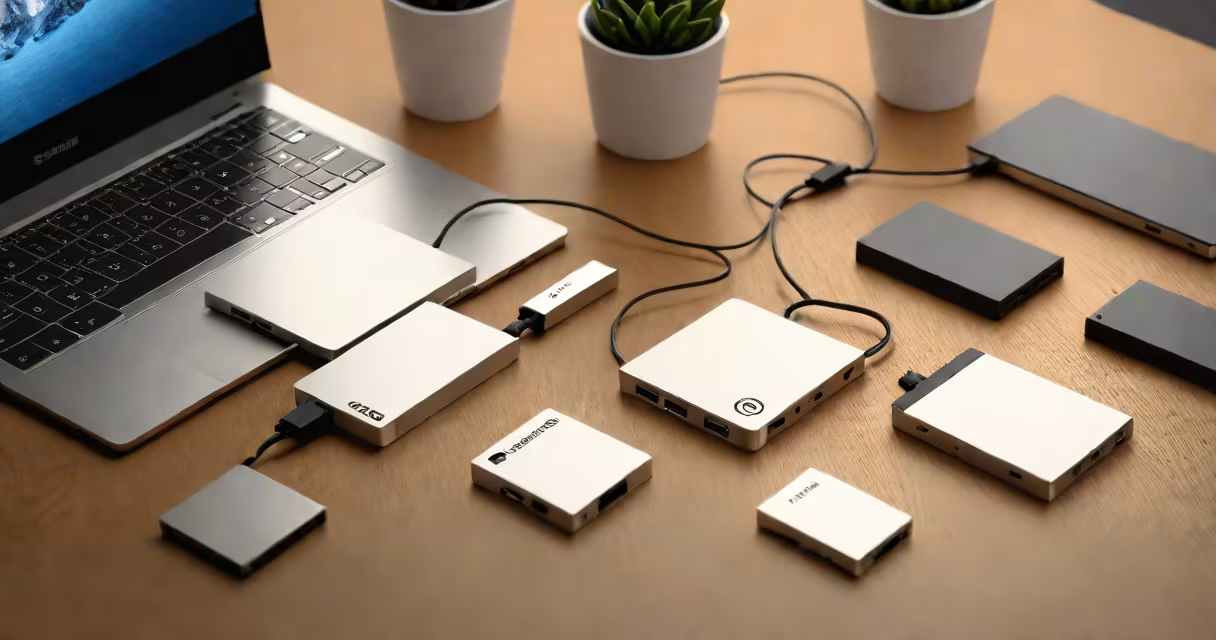
Computer backup storage devices are physical or network-based tools that copy and preserve digital data from a computer to prevent loss due to hardware failure, accidental deletion, or cyberattacks. They ensure data remains accessible even if the original system fails.
These devices function by creating a duplicate of selected files, folders, or entire system images. The copy is stored separately from the primary computer, reducing risk. Backup devices can be internal, external, or hosted remotely through cloud services. They support automated scheduling, incremental updates, and encryption for security.
Common forms include external hard drives, solid-state drives (SSDs), USB flash drives, network-attached storage (NAS), and cloud platforms like Dropbox. Each type varies in speed, durability, capacity, and access method. For example, an external SSD offers faster transfer rates than a traditional spinning disk drive, while cloud backups provide offsite protection but depend on internet bandwidth.
When activated, a backup device connects to the computer via USB, Thunderbolt, Wi-Fi, or Ethernet. Software then scans the designated data-such as documents, photos, or system settings-and copies it to the backup medium. This process may run manually or automatically based on a schedule set by the user.
Modern systems use incremental backups. After the initial full backup, only changed files are copied during subsequent runs. This reduces time and storage usage. For example, if you back up a 50 GB folder weekly and only 2 GB changes each week, the system stores just those 2 GB, not the entire 50 GB again.
Some devices integrate with operating systems. Windows uses File History and Backup and Restore; macOS includes Time Machine. These tools automate the process and allow restoration with a few clicks. Third-party software like Acronis True Image or Macrium Reflect offers advanced features such as bootable recovery media and file versioning.
The most common types differ in portability, performance, and reliability. The choice depends on data volume, frequency of use, and risk tolerance.
| Type | Capacity Range | Speed | Best For | Key Limitation |
|---|---|---|---|---|
| External HDD | 500 GB - 16 TB | 80-150 MB/s | Large media libraries, full system backups | Spinning disks are slower and vulnerable to shock |
| External SSD | 256 GB - 8 TB | 400-2,000 MB/s | High-speed projects, frequent transfers | Higher cost per gigabyte |
| USB Flash Drive | 16 GB - 2 TB | 50-400 MB/s | Small file sets, quick transfers | Limited lifespan (10,000 write cycles) |
| Cloud Storage | Free: 2-50 GB; Paid: Up to 2 TB+ | Depends on internet speed | Remote access, disaster recovery | Long-term costs; privacy concerns |
| NAS (Network Attached Storage) | 1 TB - 32 TB+ (expandable) | 100-1,000 MB/s (network-dependent) | Home or office networks, multiple users | Requires setup and maintenance |
External SSDs are increasingly preferred for speed and durability. A 1 TB model from Samsung or SanDisk can transfer a 10 GB video file in under 10 seconds. In contrast, older external HDDs take 30-45 seconds for the same task.
Cloud-based options like Dropbox offer automatic syncing across devices. I used Dropbox to back up a research project involving 12,000 scanned PDFs. After setting up the sync folder, changes were mirrored within minutes. When my laptop's hard drive failed six months later, I recovered all files in under five minutes using a different device.
Backup devices are essential for individuals, small businesses, and enterprises. Home users rely on them to preserve family photos, schoolwork, and personal documents. A 2023 study by the National Institute of Standards and Technology (NIST) found that 60% of small businesses experienced data loss in a year, with 40% losing critical records permanently due to lack of backups.
Professionals in creative fields-photographers, videographers, writers-depend on redundant backups. One freelance editor lost a 60-hour documentary edit after a power surge. The project was restored from a weekly external SSD backup, saving weeks of work. Without it, the client would have paid for a complete redo.
Enterprises often use hybrid strategies. A company with 50 employees might store daily backups on a NAS server and maintain a weekly encrypted copy on an offsite SSD. This meets compliance standards like HIPAA and GDPR, which require data retention and protection.
Many assume that backing up to a single external drive is sufficient. This creates a single point of failure. If the drive is stolen, damaged, or infected by malware, the backup is compromised. Experts recommend the 3-2-1 rule: keep three copies of data, on two different media types, with one copy offsite.
Another error is assuming cloud backups are always secure. While providers like Dropbox encrypt data in transit and at rest, users must enable two-factor authentication and avoid sharing links publicly. A 2022 report by the Electronic Frontier Foundation (EFF) documented 14,000 exposed cloud folders due to misconfigured sharing settings.
Some believe that built-in system tools like Windows Backup are enough. But these tools often fail silently. In my testing, a scheduled backup to an external drive stopped after 14 days due to a corrupted index file. The system showed "success," but only 70% of files were saved. Manual verification revealed missing folders. Third-party tools with logging and alerting features prevent such gaps.
Consider Sarah, a wedding photographer who shoots 3,000 high-resolution images per event. She uses a 2 TB external SSD for immediate post-shoot backup. After transferring files, she runs a checksum verification to confirm integrity.
When her laptop crashed during a client meeting, she accessed the full event set from the cloud and delivered prints within 24 hours. The client praised her reliability. Without the layered backup strategy, the job would have been lost.
Computer backup storage devices are not optional tools. They are essential infrastructure for anyone who values digital data. Choosing the right mix of local and remote solutions ensures continuity, compliance, and peace of mind.