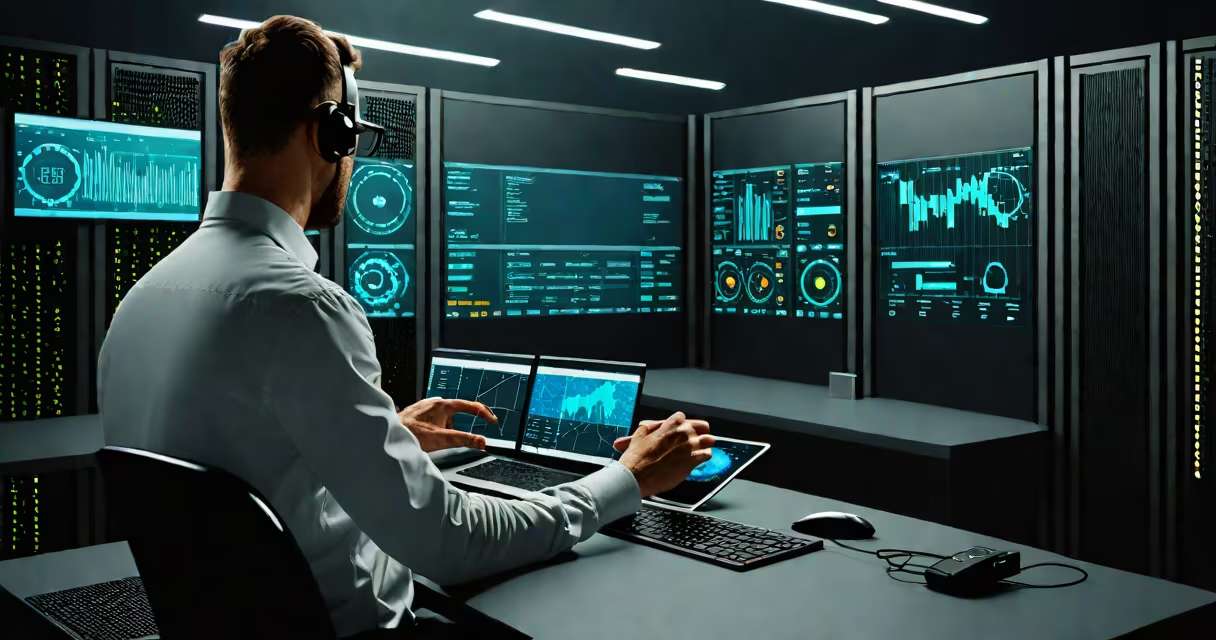
Remote management is the ability to monitor, control, and maintain computer systems, networks, or devices from a location separate from their physical site, using secure digital connections. It allows IT teams to perform diagnostics, apply updates, reset passwords, and resolve issues without being on-site.
Modern remote management relies on encrypted protocols such as SSH, RDP, and HTTPS to establish authenticated sessions between a local device and a distant system. These tools enable real-time interaction, often with full keyboard, mouse, and screen access, mimicking direct physical control.
According to the National Institute of Standards and Technology (NIST), remote management is a core component of secure system administration, especially in environments requiring consistent uptime and rapid response times. The practice reduces downtime, lowers travel costs, and supports scalable IT operations across distributed teams.
When a user initiates remote management, a secure tunnel is established through a network protocol. For example, Remote Desktop Protocol (RDP) connects Windows machines over TCP port 3389, while Secure Shell (SSH) handles Linux and Unix systems on port 22. Both require authentication credentials and encrypt data in transit.
The remote client sends input commands-keystrokes, mouse movements-to the host machine. The host processes them and returns screen updates, which the client displays in real time. This bidirectional flow enables full system interaction, including file transfers, software installation, and configuration changes.
A common setup involves a central management console running on a server. Tools like Microsoft System Center Configuration Manager (SCCM) or open-source alternatives such as SaltStack allow administrators to push configurations to hundreds of endpoints simultaneously. This capability is essential for maintaining compliance and consistency across large infrastructures.
Remote management tools fall into categories based on function and deployment model:
| Type | Use Case | Common Tools | Security Level |
|---|---|---|---|
| Interactive Access | Full desktop control for troubleshooting | Windows RDP, TeamViewer, AnyDesk | High (with MFA) |
| Command-Line Control | Script execution, configuration, diagnostics | SSH, PowerShell Remoting, Ansible | Very High (key-based auth) |
| Monitoring & Alerts | Performance tracking, failure detection | Zabbix, Nagios, SolarWinds | Medium (requires secure API access) |
For enterprise environments, centralized platforms like VMware Workspace ONE or Microsoft Intune offer integrated remote management across endpoints-laptops, smartphones, tablets-through standardized policies and automated workflows.
One non-obvious distinction: remote access tools like TeamViewer are designed for ad-hoc support, while enterprise-grade solutions like SCCM are built for long-term policy enforcement and audit trails. Misusing consumer tools in regulated industries can violate compliance standards such as HIPAA or GDPR.
Remote management is standard in IT departments managing office networks, data centers, and cloud-hosted services. A hospital's IT team, for example, uses remote management to update patient record systems during off-hours, ensuring minimal disruption to care delivery.
In education, schools deploy remote management to maintain student devices. A district with 5,000 Chromebooks can push security patches and disable unauthorized apps across all units overnight using Google Admin Console.
A notable mistake is leaving default credentials unchanged on remote access ports. In 2021, researchers at Rapid7 identified over 12,000 internet-facing RDP servers with weak or default passwords. These were exploited to install ransomware, leading to widespread outages.
I once observed a small business lose critical financial records after an employee left a remote desktop session open on a public Wi-Fi network. The session was hijacked within minutes. This incident underscores why session timeouts and multi-factor authentication (MFA) are mandatory-not optional.
Remote management is frequently mistaken for remote access, but they differ in intent and scope. Remote access grants temporary entry to a single system, often for a specific task. Remote management implies ongoing oversight, automated actions, and centralized control.
Another confusion arises between remote management and remote desktop. While both involve visual interface control, remote desktop focuses on replicating a local desktop environment. Remote management includes automation, scripting, and policy enforcement beyond what a graphical session provides.
For example, deploying a new software package to 200 workstations requires remote management. You don't need to open a GUI on each machine-you run a script via SSH or PowerShell Remoting. This saves hours compared to manual setup.
Secure remote management begins with authentication hardening. NIST SP 800-63B recommends using FIDO2-compliant keys or time-based one-time passwords (TOTP) instead of static passwords. Even a single compromised credential can lead to lateral movement across a network.
Network segmentation limits exposure. A dedicated VLAN for remote management traffic prevents attackers from pivoting from a compromised endpoint to administrative systems. Firewalls should restrict access to known IP ranges and block brute-force attempts automatically.
Logging and auditing are critical. Every remote session should be recorded, including login time, user ID, and actions taken. This supports forensic analysis and compliance audits. The Center for Internet Security (CIS) benchmarks recommend retaining logs for at least 90 days.
When setting up remote management, start with a test environment. Verify connectivity, permissions, and failover procedures before rolling out to production systems. A misconfigured command can lock out users or corrupt system files.
Remote management is not a luxury-it's a necessity in modern computing. It enables faster resolution of technical issues, improves system reliability, and supports remote workforces. But its power demands strict controls and continuous vigilance.