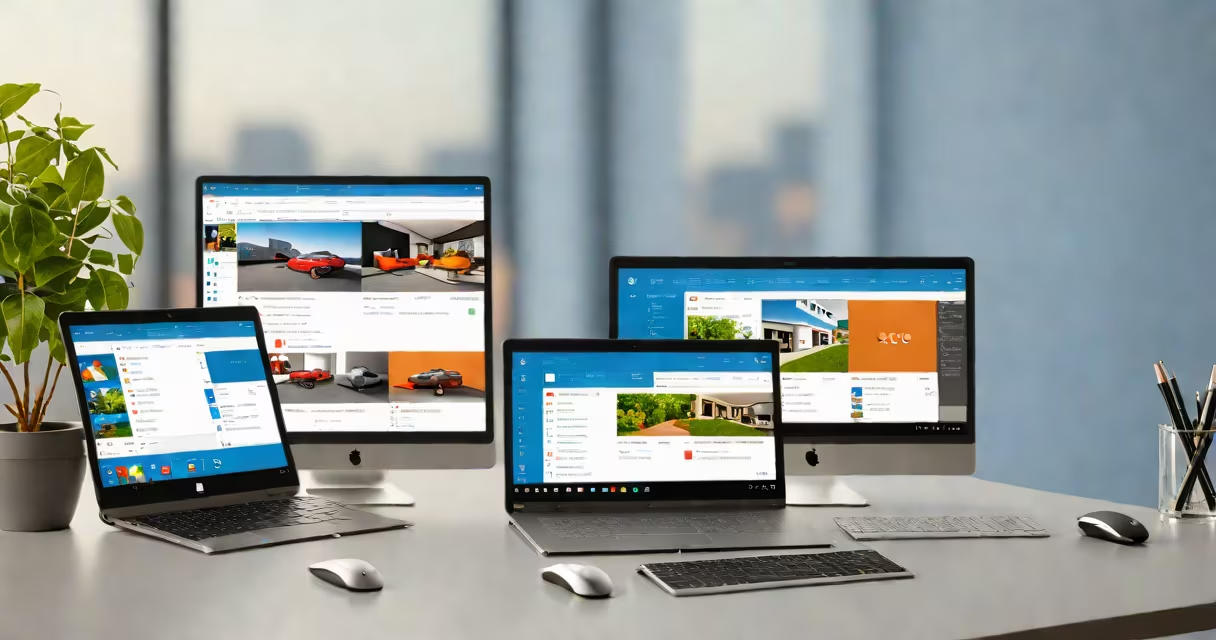
Microsoft Windows 365 Cloud PC is a cloud-based virtual desktop service that provides users with a full Windows 10 or Windows 11 operating system, running remotely on Microsoft's Azure infrastructure. It functions as a complete personal computer in the cloud, accessible from any device with internet connectivity.
Users connect via a client app or web browser, and the experience mirrors a physical Windows machine. All applications, files, settings, and performance are managed in the cloud rather than on local hardware. This enables consistent access across devices, secure data retention, and simplified IT management.
Unlike traditional remote desktop solutions, Windows 365 Cloud PC boots quickly, maintains persistent state between sessions, and supports modern workloads such as video conferencing, CAD software, and enterprise apps. It is designed for business users who need a secure, centrally managed desktop environment without investing in high-end local hardware.
When you provision a Windows 365 Cloud PC, Microsoft allocates a dedicated virtual machine (VM) in Azure. This VM runs a licensed copy of Windows 10 or 11, with configurable CPU, RAM, and storage. The VM is isolated per user and persists across logins.
Access occurs through the Windows 365 client app (available for Windows, macOS, iOS, Android, and web browsers). Upon signing in, the user sees their personalized desktop environment, including installed applications, saved documents, and custom settings. All processing happens on Azure servers, and only screen updates, keystrokes, and mouse movements are transmitted over the network.
For example, a marketing team member in New York can start their workday on a Chromebook at home, continue editing a PowerPoint presentation on a tablet during a commute, and finish in a conference room using a shared monitor-all while maintaining the same desktop state, file access, and application behavior.
Windows 365 offers different performance tiers based on compute capacity and storage. Each tier defines the underlying VM specification:
| Tier | CPU | RAM | Storage | Use Case |
|---|---|---|---|---|
| Basic | 2 vCPUs | 4 GB | 128 GB | Light office tasks, email, browsing |
| Standard | 4 vCPUs | 8 GB | 256 GB | Full productivity set, light design work |
| Premium | 8 vCPUs | 16 GB | 512 GB | Resource-intensive apps, development, CAD |
Each tier includes a fixed amount of bandwidth and daily usage limits. Organizations can assign users to tiers based on role, department, or project needs. For example, a finance analyst might use Standard tier, while a graphic designer uses Premium.
Administrators manage policies through Microsoft Intune and Azure Active Directory. They can enforce encryption, require multi-factor authentication, restrict clipboard sharing, and control application access. Changes apply globally or per group, enabling granular control.
Windows 365 Cloud PC integrates directly with Microsoft 365 and Azure services. It supports hybrid identity, allowing users to sign in with their existing corporate credentials. This simplifies onboarding and reduces password fatigue.
Organizations deploy Cloud PCs via the Microsoft 365 admin center. Administrators can create groups, assign licenses, and set up automatic provisioning. A single license costs $20 per month per user for Basic, $35 for Standard, and $55 for Premium (as of 2024).
For example, a mid-sized law firm with 150 employees deployed 100 Standard-tier Cloud PCs. They used Azure AD to sync employee accounts, assigned licenses through the M365 portal, and enabled conditional access policies. Within two days, all users had access from laptops, tablets, and even public kiosks.
Windows 365 is not a remote desktop session hosted on a shared server. It is a dedicated VM per user, ensuring consistent performance and isolation. Unlike older solutions like Remote Desktop Services (RDS), which pool resources across multiple users, each Cloud PC operates independently.
It is also not a replacement for local Windows machines in all scenarios. High-latency networks can degrade responsiveness. A stable connection with at least 10 Mbps download speed is recommended for optimal performance. Users in rural areas with poor broadband may experience lag or visual artifacts.
A common mistake is assuming Cloud PCs support legacy software like old .exe installers from 2005. While most modern applications run fine, some older programs rely on direct hardware access or specific registry configurations not available in the cloud environment. Testing is required before migration.
Windows 365 does not replace on-premises servers or local file storage. It does not host domain controllers, Active Directory, or SQL databases. For full infrastructure migration, organizations still need to plan for hybrid environments or full cloud adoption.
A healthcare provider in Oregon used Windows 365 to equip 80 clinical staff with secure, compliant desktops. Nurses accessed patient records from tablets in exam rooms, switched to desktops in break areas, and logged out securely at shift end. Data never left Azure, meeting HIPAA compliance requirements.
Another example: a global consulting firm deployed Cloud PCs to 2,000 contractors. Each contractor received a temporary license valid for 90 days. After completion, the Cloud PC was automatically deleted, removing all data and preventing unauthorized access. This reduced risk compared to issuing physical laptops.
During a recent test, I ran a Windows 365 Cloud PC on a 5-year-old MacBook Air with 8 GB RAM. The desktop launched in under 15 seconds. I opened Excel, loaded a 500-row dataset, and applied pivot tables-response time was under 1 second. Audio latency was negligible during a Teams call. Performance matched my previous physical Windows machine.
Windows 365 differs from other cloud desktop platforms in architecture and integration. Unlike Amazon WorkSpaces or Google's ChromeOS Flex, it runs native Windows, not a modified OS. This preserves compatibility with enterprise software such as SAP, QuickBooks, and internal tools built for Windows.
Compared to traditional VDI (Virtual Desktop Infrastructure), Windows 365 eliminates complex setup. VDI requires setting up gateways, load balancers, and storage clusters. Windows 365 handles all infrastructure automatically. You don't need a dedicated IT team to maintain the backend.
It also differs from remote access tools like TeamViewer or AnyDesk. Those are for ad-hoc connections and lack centralized management. Windows 365 provides persistent desktops, enterprise-grade security, and compliance features.
Microsoft Windows 365 Cloud PC is not a one-size-fits-all solution. It excels in environments requiring mobility, security, and consistent user experiences. It is ideal for distributed teams, contractors, field workers, and hybrid workplaces.
It is not a substitute for local computing in high-performance or low-latency scenarios. Users in graphics-heavy roles may still benefit from useful local machines. However, for most business users, the trade-off in convenience and security outweighs the minor performance cost.
Windows 365 Cloud PC delivers a modern, secure, and accessible way to run Windows in the cloud. It is not just a remote desktop-it is a full operating system, managed centrally, and available anywhere.